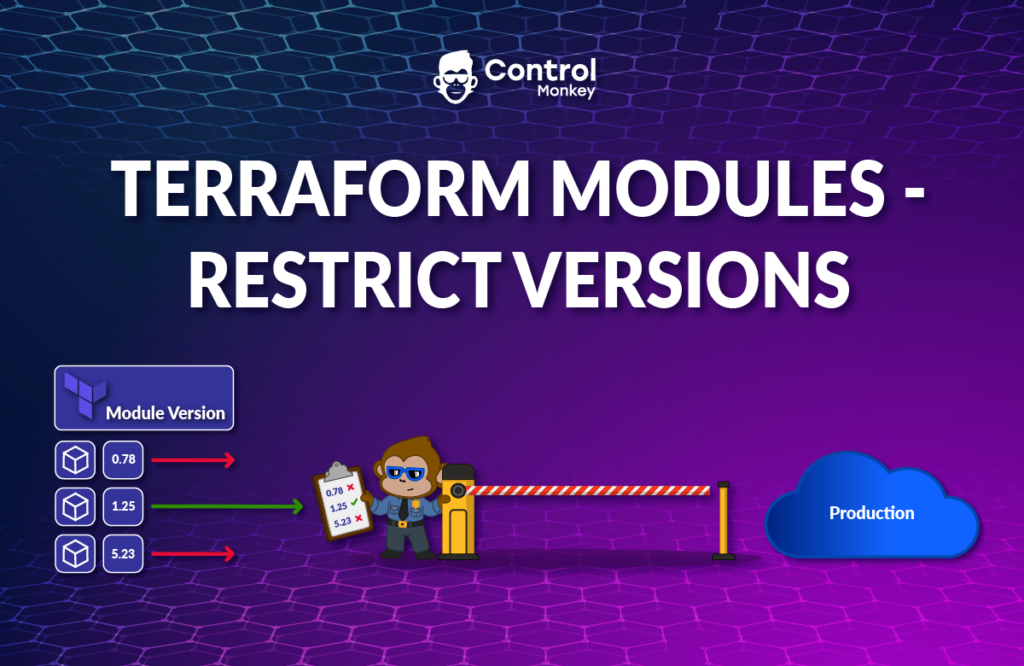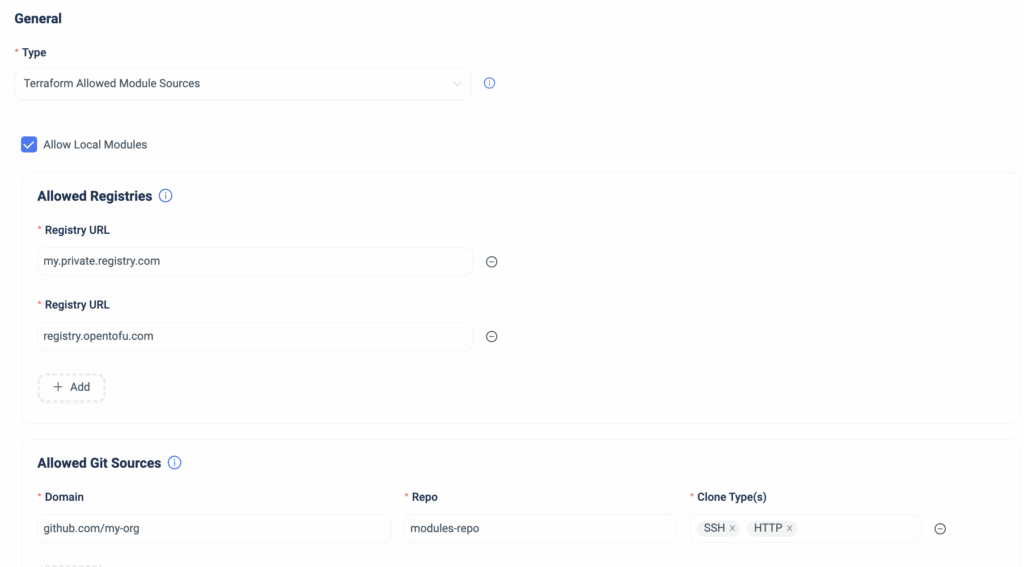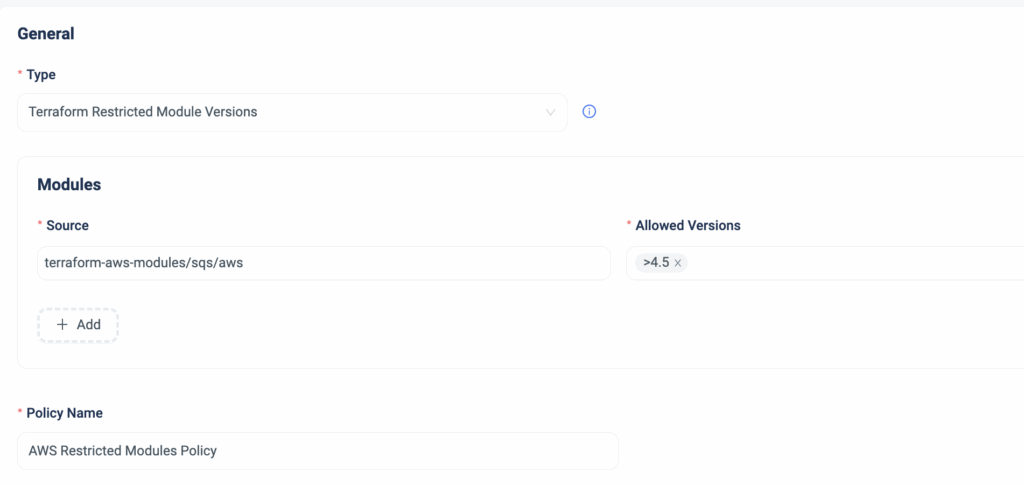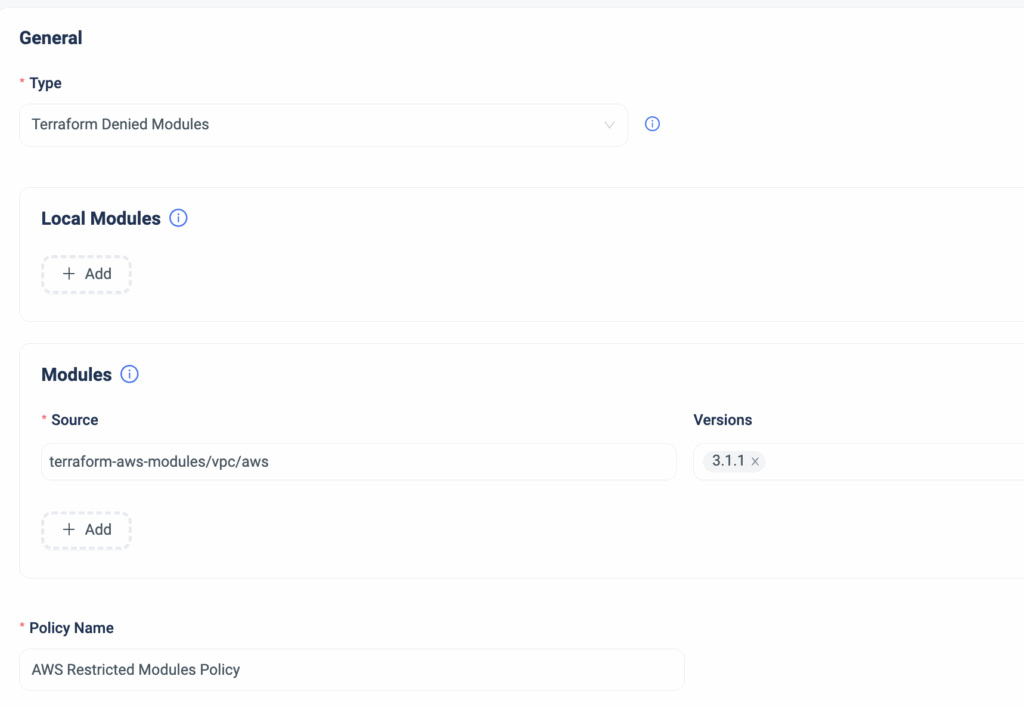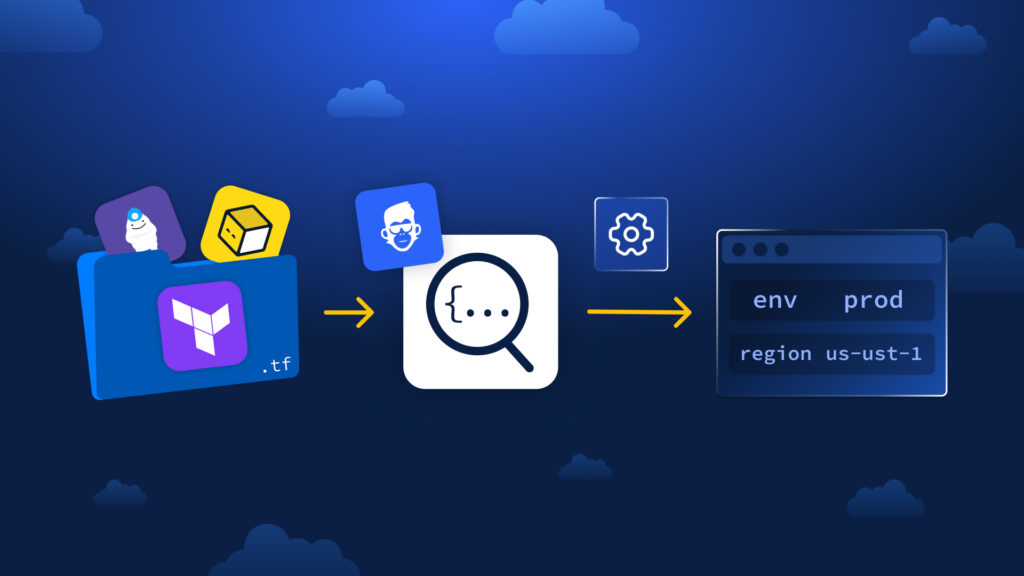
Modern DevOps teams rely on Terraform and Terraform modules. Using Terraform modules is a best practice for making sure your entire organization is following your security & compliance controls. By using modules you create pre-defined, compliant blueprints of what good infrastructure looks like. Many of our customers have a problem. How can we ensure that everyone in the organization uses our modules? How Terraform provisioning can be easy? What if an engineer uses a “Plain” Terraform resource instead of the module we created for it?
Sadly when engineers bypass the agreed modules and use raw cloud resources it breaks the governance of the cloud teams.. That’s why ControlMonkey now enforces Module-Only Resource Provisioning, ensuring every infrastructure component is created through your approved Terraform modules, not improvised code.
Introducing: Enforce Module-Only Resource Provisioning
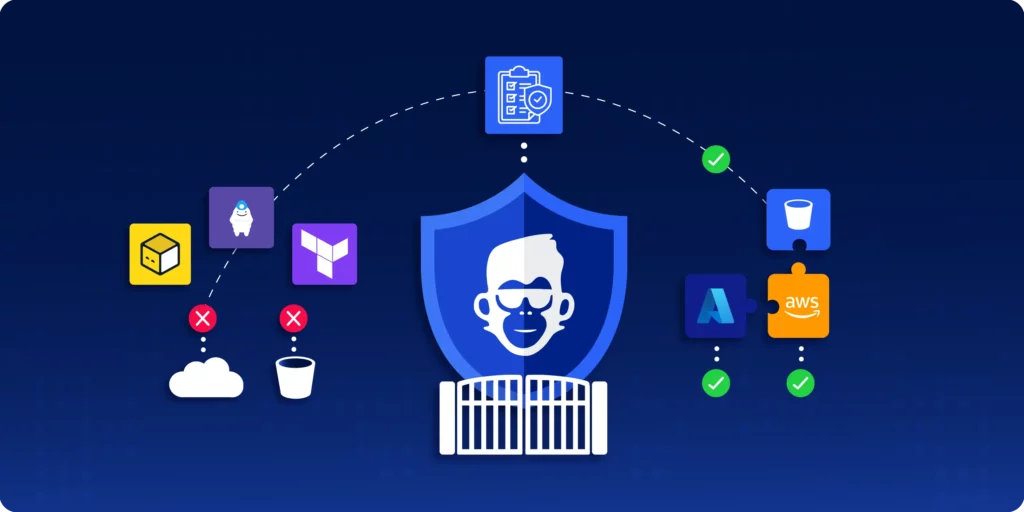
Let’s take a real example. You’ve built a secure internal module that provisions an AWS S3 bucket—or maybe an Azure Storage Account. You’ve tested it, tagged it, locked in the right enforcements. But someone on the team skips the module and spins up a bucket with raw Terraform code or an external template.
Now you’ve got untagged resources, inconsistent naming, or worse—security gaps.
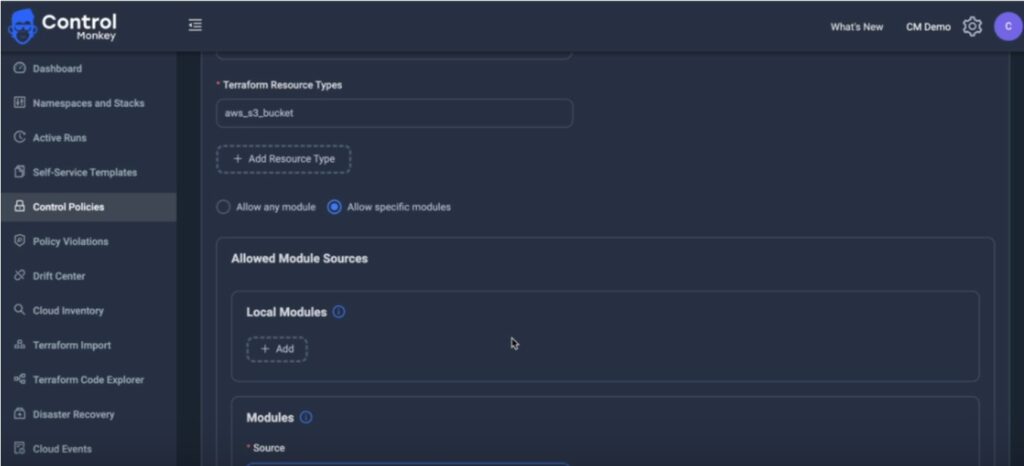
With our latest control policy – you can stop this before it happens. You could see how teams can provision resources with Terraform, giving you full confidence in your IaC standards
- Enforce resource creation only via approved Terraform modules
- Catch module violations at PR time or through ongoing scans
- Prevent unauthorized use of raw resource blocks or external modules
- Strengthen cost tagging, security, and compliance through IaC
- Eliminate configuration drift caused by inconsistent provisioning practices
Stay Ahead with Cloud Governance and Terraform Provisioning
Writing good Terraform modules is one thing, but enforcing using them across the organization is a whole different ball game.
With the right policies in place and a robust centralized automation – you can do it.
With ControlMonkey you enforce how YOUR infrastructure is provisioned—from the first line of code.
Explore Module-Only Resource Provisioning in ControlMonkey today.
Frequently Asked Questions About Terraform Provisioning
Module-only resource provisioning ensures that certain Terraform resources—like AWS S3 buckets or Azure storage accounts—can only be created using your pre-approved modules. This prevents developers from using raw Terraform resource blocks or unauthorized modules, maintaining consistency and governance across infrastructure.
Enforcing the use of modules ensures that infrastructure is provisioned using tested, secure, and compliant code. It helps prevent misconfigurations, untagged resources, and drift—common issues that arise when teams bypass shared standards in Infrastructure as Code (IaC) workflows.
ControlMonkey applies provisioning policies during pull requests and via ongoing scans of your Terraform codebase. If someone tries to provision a resource outside the allowed modules, ControlMonkey flags or blocks the action—ensuring compliance from day one through Day 2 operations.
Frequently Asked Questions About Terraform Provisioning
Module-only resource provisioning ensures that certain Terraform resources—like AWS S3 buckets or Azure storage accounts—can only be created using your pre-approved modules. This prevents developers from using raw Terraform resource blocks or unauthorized modules, maintaining consistency and governance across infrastructure.
Enforcing the use of modules ensures that infrastructure is provisioned using tested, secure, and compliant code. It helps prevent misconfigurations, untagged resources, and drift—common issues that arise when teams bypass shared standards in Infrastructure as Code (IaC) workflows.
ControlMonkey applies provisioning policies during pull requests and via ongoing scans of your Terraform codebase. If someone tries to provision a resource outside the allowed modules, ControlMonkey flags or blocks the action—ensuring compliance from day one through Day 2 operations.