ControlMonkey now makes it easier than ever to work with Terraform variables. Our new “Load Variables from Code” feature lets you pull variables from your Terraform files automatically. This means no more manual entry and no missed inputs.
(New to Terraform variables? Read our Terraform Variables Guide to learn how they work and why they matter.)
Why Load Terraform Variables from Code?
Previously, every Terraform Stack setup meant manually entering variables — even if they were already defined in your code. This cloud has slowed down onboarding and left room for errors. These variables are typically declared in files like variables.tf following Terraform’s official variable configuration standards
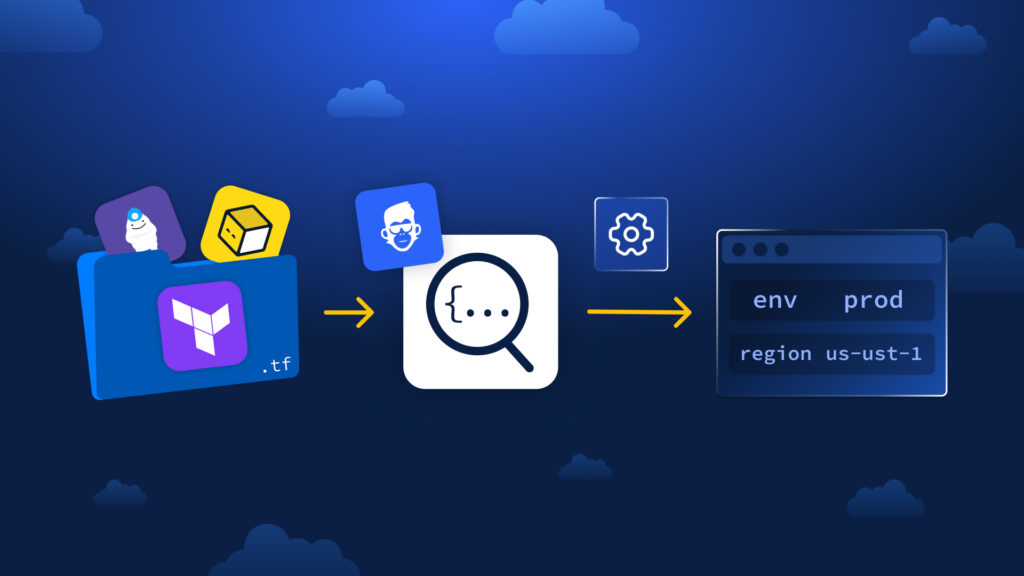
Now, with a single click, ControlMonkey loads your Terraform variables directly from any variables.tf file in your git directory instantly.
How to Load Terraform Variables Automatically
When you create a new stack, ControlMonkey looks through your code directory and subfolders. It finds all declared variables and fills them in the UI. You can still modify values, mark them sensitive, or override as needed—without starting from zero.
Benefits of Loading Automatically
- Faster onboarding and stack creation
- Fewer input mistakes and mismatches – consistent use across environments
- Create dozens of variables in seconds
Use it on your next stack setup—click “Load Variables from Code” and let ControlMonkey do the rest.