
























Join our next Live Demo on June 29th!

Cloudflare Backup Solution

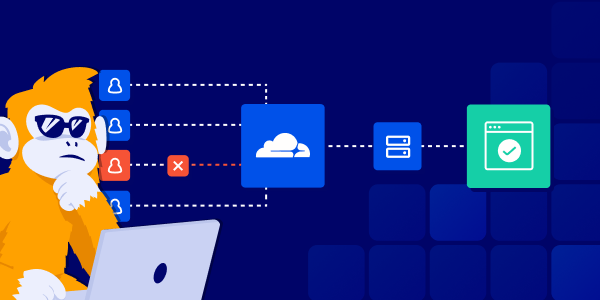
ControlMonkey automates Cloudflare backup and recovery, protecting DNS records, firewall rules, WAF policies, tunnels, and access configurations to strengthen cyber resilience.

Cloudflare Backup – What Makes ControlMonkey Unique?

See how ControlMonkey restores Cloudflare DNS and Security Policies to reduce downtime and speed recovery.
See ControlMonkey in Action
Cloudflare Backup

Complete Cloudflare Configuration Backup

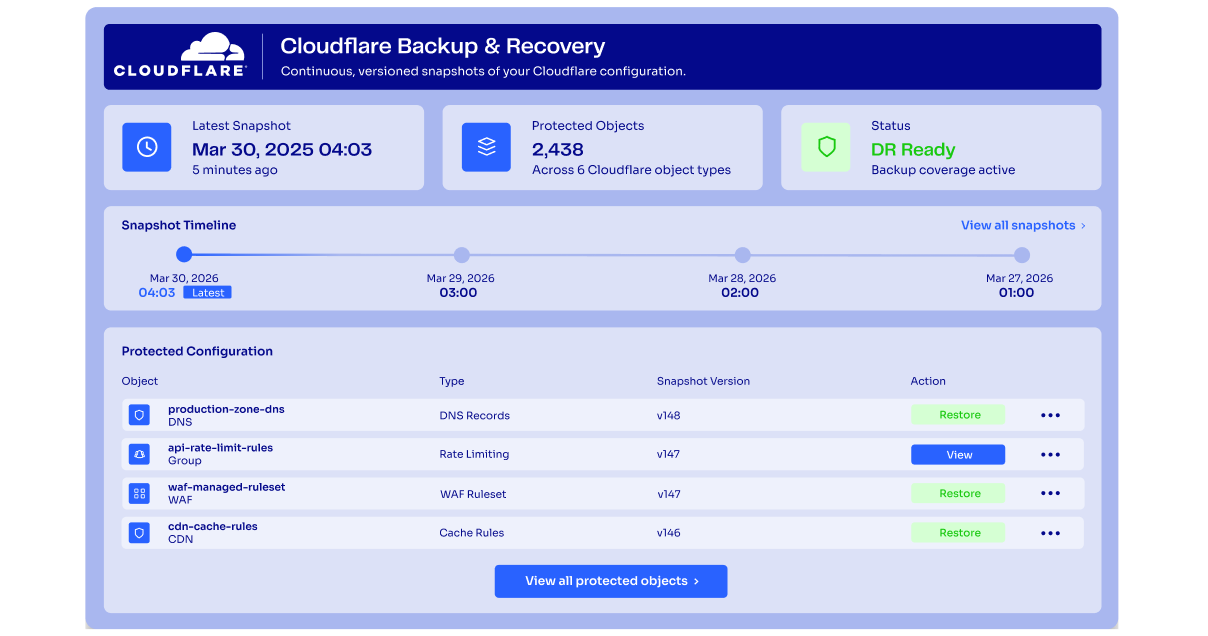
Cloudflare settings change constantly across DNS, security, access, and edge services. ControlMonkey continuously captures versioned backups of your Cloudflare configuration, giving teams a clear history of what existed, what changed, and when.

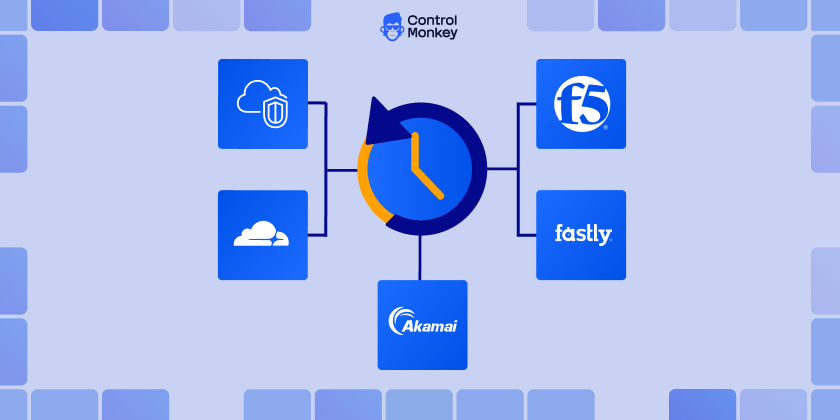
Cloudflare DNS and Traffic Recovery

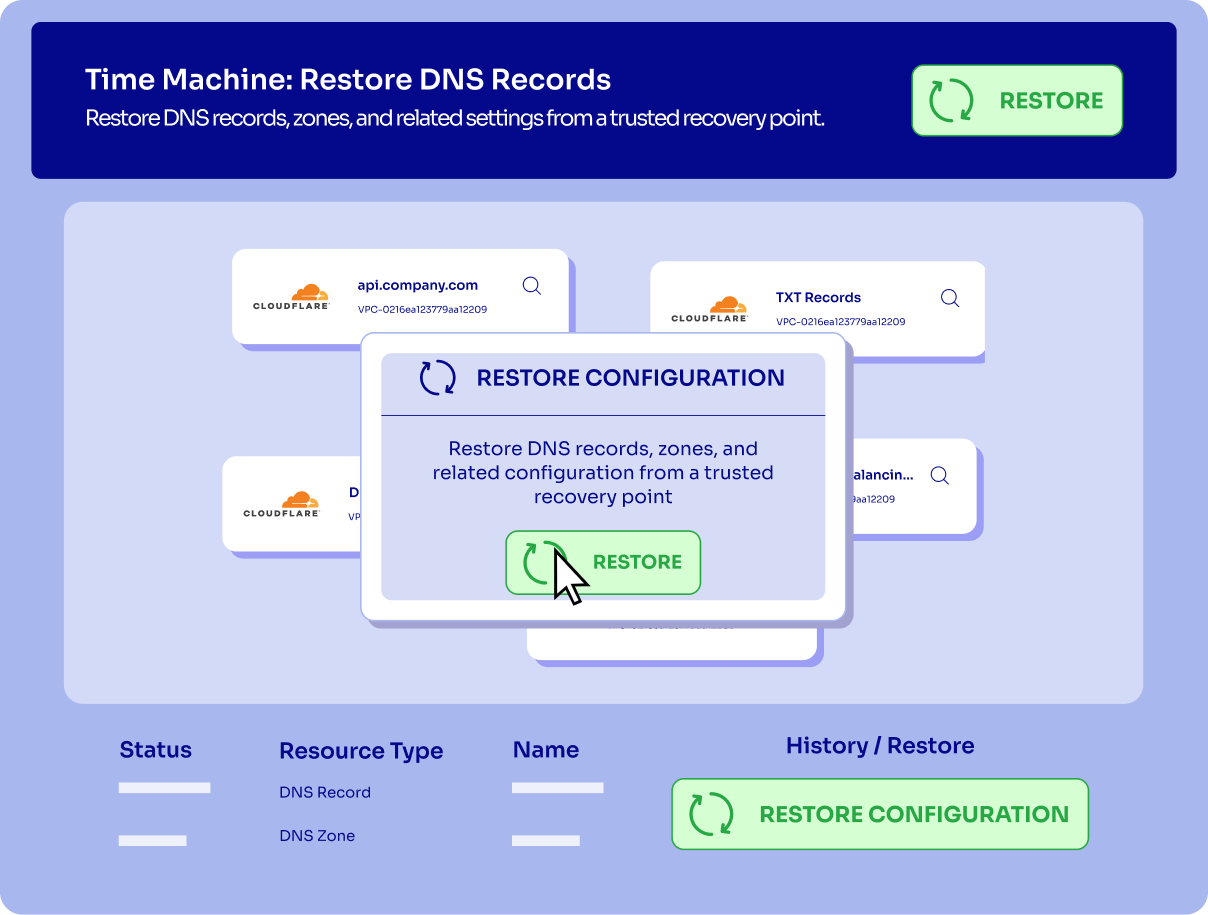
Cloudflare is often the control point for how users reach applications. ControlMonkey helps teams protect and restore the DNS, routing, traffic, and edge configurations that keep services reachable when records, rules, or traffic policies are changed unexpectedly.
Enterprise Okta Backup and Restore

Governed Cloudflare Recovery

Standardize Cloudflare Backup and Recovery with approval workflows, Role-Based Access Control (RBAC), audit trails, and governed recovery operations

Cloudflare Configuration Drift Detection

Not every change happens through an approved process. ControlMonkey helps identify unexpected changes across your Cloudflare environment, shows what changed, and gives teams a path to remediate risky drift before it turns into downtime, exposure, or recovery uncertainty.
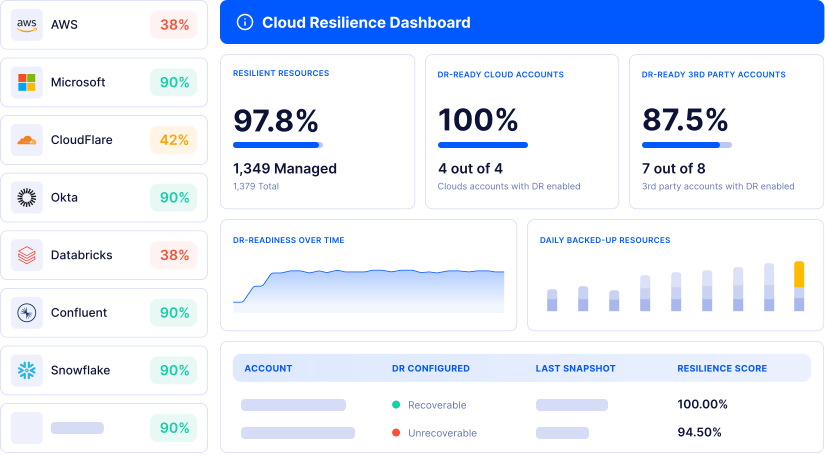
cloud resilience dashboard

Recovery Readiness Dashboard

ControlMonkey gives teams a clear view of what is protected, what can be restored, and where gaps still exist. This helps cloud, security, and platform leaders understand Cloudflare recovery readiness before an incident happens.

How Does Cloudflare Backup & Recovery Work?

Watch how ControlMonkey automatically captures Cloudflare configuration changes, creates versioned recovery points, and helps teams restore known-good states across DNS, WAF, CDN, Load Balancing, Zero Trust, and routing configurations.

What’s in it for you

From Cloudflare Outage Risk to Recoverable Cloudflare Configurations

Validate your Cloudflare Backup and Cloudflare disaster recovery strategy before ransomware, human error, malicious activity, or over-permissive AI agents impact critical services.
Assess Your Cloudflare ID Recovery Readiness

Automated Cloudflare Backup

ControlMonkey automates Cloudflare Backup with daily snapshots of DNS Records, DNS Zones, Firewall Rules, WAF Policies, Cloudflare Tunnel, and other critical configurations.
High uptime and SLA compliance icon

Faster Cloudflare Recovery

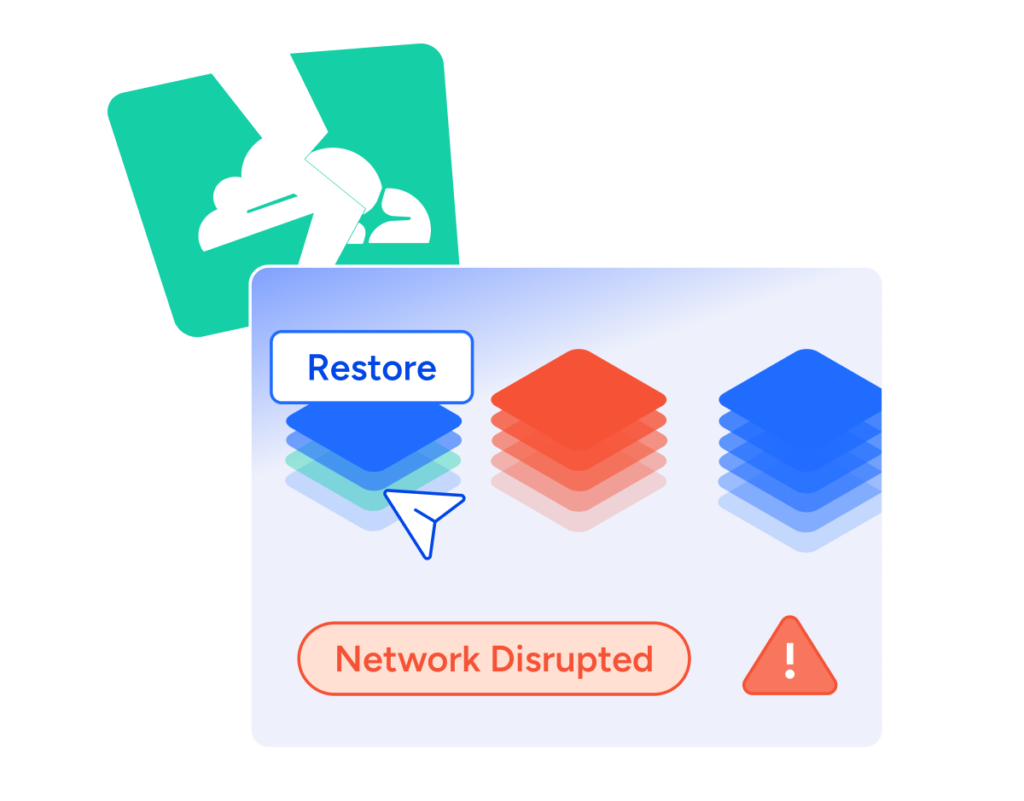
Restore known-good Cloudflare Configurations after outages, misconfigurations, or unauthorized changes using automated recovery workflows and point-in-time recovery.
Business continuity and cloud resilience icon

Predictable RTO & RPO

ControlMonkey improves recovery readiness with defined recovery points, version history, and faster restoration of critical Cloudflare DNS, Firewall Rules, and other security configurations.
Governance & Audit Readiness

Governance & Audit Readiness

ControlMonkey tracks changes, detects Cloudflare Configuration Drift, and governs recovery through audit-ready workflows and RBAC.

How Cloudflare Backup Works

  • Step 1: Discover Cloudflare Configurations

    Continuously inventory DNS Records, DNS Zones, Firewall Rules, WAF Policies, Cloudflare Tunnel, Access Policies, SSL/TLS Configurations, Workers, and other critical Cloudflare settings.

    Arrow icon
  • Step 2: Capture Cloudflare Recovery Points

    ControlMonkey automatically creates versioned backups of Cloudflare DNS, Firewall Rules, WAF Policies, and other critical configurations.

    Arrow icon
  • Step 3: Restore Known-Good Configurations

    Recover Cloudflare DNS, DNS Zones, Firewall Rules, WAF Policies, and other configurations from trusted recovery points.

    Arrow icon
  • Step 4: Validate Recovery & Governance

    ControlMonkey connects Cloudflare Backup and Recovery with governance controls to improve compliance, recovery readiness, and cyber resilience.

    Arrow icon

Book Intro Meeting

ControlMonkey needs the contact information you provide to us to contact you about our products and services. You may unsubscribe from these communications at any time. For information on how to unsubscribe, as well as our privacy practices and commitment to protecting your privacy, check out our Privacy Policy.

Book Intro Meeting

Discover How ControlMonkey will save Your team 1000s of hours.

Trusted by the World’s Largest Enterprises

Assaf Warshitzky

Assaf Warshitzky

VP Platform Engineering

“ControlMonkey helped us achieve the level of resilience we envisioned for our cloud infrastructure. At our scale, that’s anything but trivial. Doing this ourselves would have taken quarters of effort for just a fraction of the value we get from their platform.”

ControlMonkey needs the contact information you provide to us to contact you about our products and services. You may unsubscribe from these communications at any time. For information on how to unsubscribe, as well as our privacy practices and commitment to protecting your privacy, check out our Privacy Policy.

Cloudflare Backup – ControlMonkey FAQ

Organizations need Cloudflare Backup when they rely on Cloudflare DNS, Cloudflare Tunnel, Firewall Rules, WAF Policies, or Access Policies to keep applications available and secure. ControlMonkey helps improve Cloudflare Disaster Recovery, Business Continuity, and Recovery Readiness by protecting critical Cloudflare configurations from outages, misconfigurations, and unauthorized changes.

Organizations can create regular backups of all Cloudflare settings by continuously capturing Cloudflare DNS, DNS Records, DNS Zones, Firewall Rules, WAF Policies, Cloudflare Tunnel, Access Policies, SSL/TLS Configurations, and other critical settings. ControlMonkey automates Cloudflare Backup with scheduled snapshots, version history, and recovery points to support Cloudflare Disaster Recovery and Business Continuity.

During the Cloudflare outage, ControlMonkey monitored service impact, validated connectivity, and tracked configuration changes. To improve future resilience, we use automated Cloudflare Backup, recovery testing, configuration drift detection, and Cloudflare Disaster Recovery workflows to strengthen Business Continuity and Recovery Readiness.

ControlMonkey automatically captures versioned backups of Cloudflare DNS, DNS Zones, Firewall Rules, WAF Policies, Cloudflare Tunnel, and other critical configurations, storing recovery points in customer-controlled Azure Blob Storage to improve Cloudflare Disaster Recovery, compliance, and recovery readiness.

Cookies banner

We use cookies to enhance site navigation, analyze usage, and support marketing efforts. For more information, please read our. Privacy Policy