
I want to open by sharing with you Why IdP Backup Is Different – Most backup strategies assume you are protecting data. Identity is not just data. It is actually configuration and the relationship between the data. In the next blog I would like to share with you Identity Provider Backup Best Practices that I learned from my past and our many customers.
users, groups, roles, policies, and application access – they are all tightly connected. When one part changes, the behavior of the entire system can change with it.
This is why IdP failures are difficult to recover from. You are not restoring a database. You are reconstructing how access works across your environment.
If backups are incomplete or inconsistent, recovery becomes manual – and error-prone.
Best Practices for Identity Provider (IdP) Backup
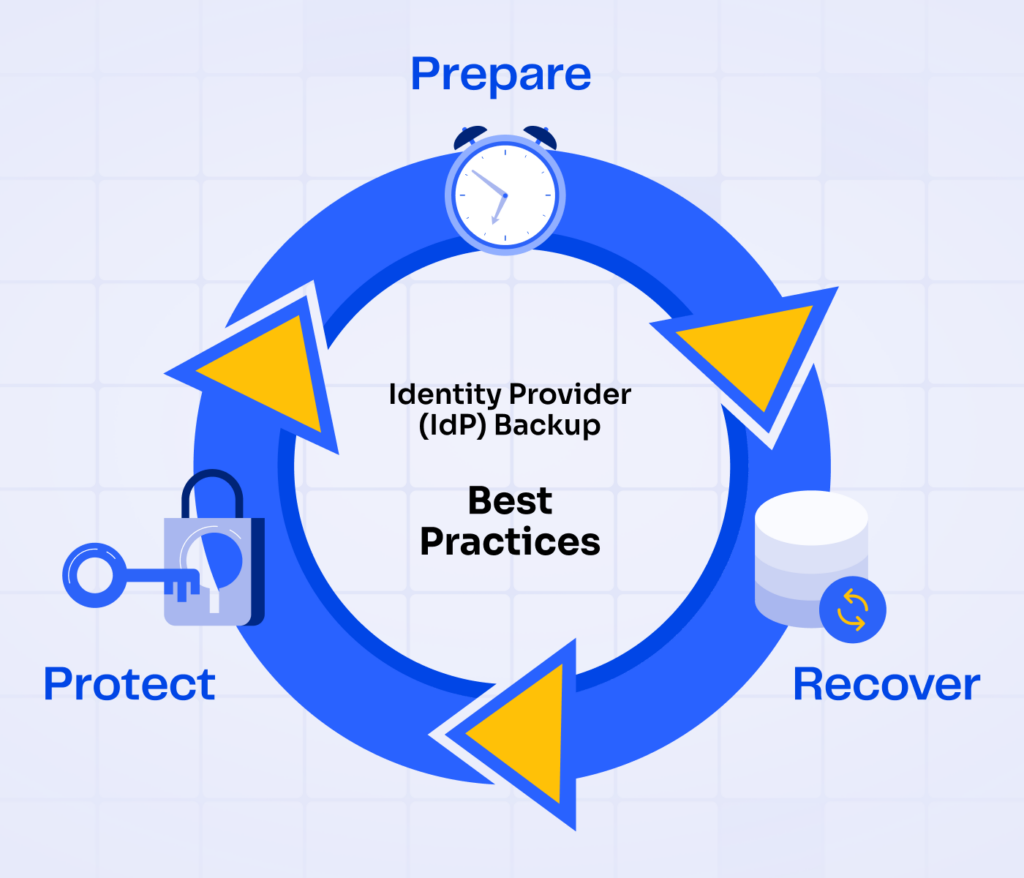
Like most things in resilience (and honestly) most things that actually work this comes down to three parts:
- Protect – continuously capture identity data and configuration (users, groups, roles, policies, integrations)
- Recover – restore identity as a working system, not just raw data
- Prepare – test and validate the process so it actually works under real conditions
Nothing fancy. Just the structure that holds when things break.
What I’m sharing here isn’t theory. It’s based on what we’ve seen across customers, incidents, and real environments-what fails, what holds, and where most teams realize too late that they’re not as covered as they thought.
Identity Provider Backup Best Practices
Before we start – State Exists. Recoverability Doesn’t
A lot of teams feel safe because identity is “defined somewhere.” There are exports. There are scripts. Sometimes there’s even a configuration repo.
So it looks like a state exists. But a state file does not mean you are recoverable.
It doesn’t capture:
- dependency ordering
- implicit relationships
- external integrations like SSO, Center using the System for Cross-domain Identity Management (SCIM), and federation
- runtime behavior of policies
So when something breaks, the system looks complete on paper-but behaves differently in reality.
Identity is not just something you store.
It’s something that has to be reconstructed correctly.
Protect & Persist: Continuous IdP Backups
Protection in identity is not just about preventing incidents.It’s about reducing how much damage an incident can cause-and how much you lose when it happens.
This starts with continuous capture of the identity state. The goal is simple: at any point in time, you should know what identity looks like-and be able to go back to it.
This is where most teams fall short.
They capture pieces-but not the system.
In practice, resilience requires capturing the exact configuration continuously and storing it as a versioned record of how identity actually works-not just periodic exports. This is the difference between having backups and having something you can actually recover.
What Needs to Be Backed Up
The foundation of IdP recoverability is continuous and reliable configuration backup. This means capturing not only user accounts, but the full identity configuration: groups, roles, authentication policies, application integrations, admin permissions, and supporting metadata.
For cloud IdPs such as Okta, Entra ID, or Google Identity, the backup scope should include user profiles, group memberships, SSO and MFA configurations, custom attributes, application assignments, and audit logs. Many providers do not offer native full-state backup, so teams rely on APIs, scripts, or third-party tools to extract and store this data.
A critical point: backing up identity partially is equivalent to not backing it up at all. Missing relationships or policies will break access behavior after restore.
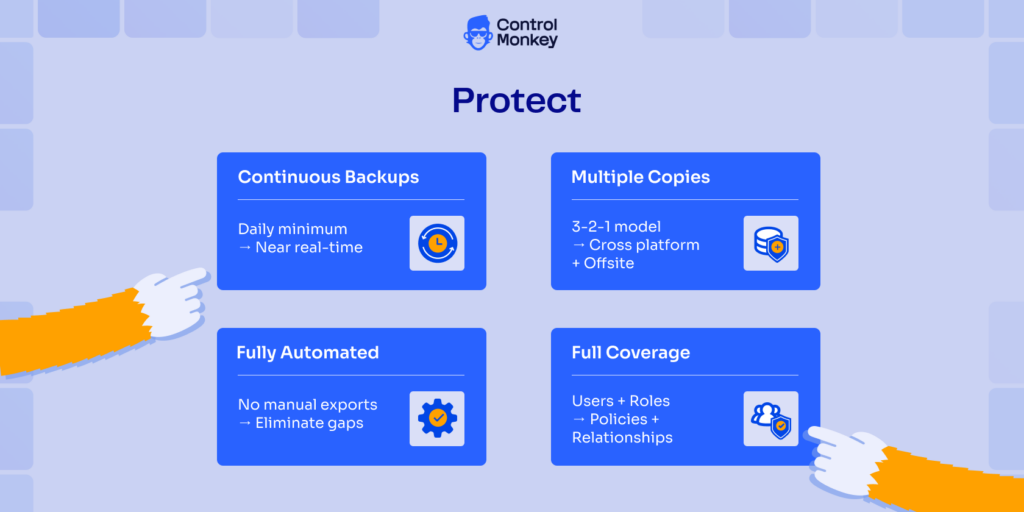
Identity Provider Best Practices for Backup include:
- Frequent and Continuous Backups
Align with your RPO. In practice, this means daily at minimum, and increasingly near-continuous capture for critical environments. - Multiple Backup Copies
Follow the 3-2-1-0-0 principle: maintain multiple copies across different platforms, with one stored offsite or offline. - Automated and Reliable Processes
- Backup processes must be fully automated.
- Manual exports introduce gaps and inconsistency.
- Full Configuration Coverage
Ensure backups include all identity configurations – not just users. Missing policies or relationships will break recovery.
Recover: Restore Identity as a Working System
This is where most strategies fail. The reason is simple: teams don’t know what actually existed, and they can’t reliably reconstruct it.
Recovery turns into manual effort under pressure-exactly when mistakes matter most. Restoring identity is not about loading objects back into a system.
It’s about restoring behavior. Common failure modes:
- Policies reference objects that don’t exist
- Access paths don’t behave the same
- MFA and SSO break silently
- Service accounts lose permissions
- Provisioning flows fail
This is where solutions like controlmonkey with rollback and provisioning recovery become critical.
Effective recovery requires more than restoring objects. It requires restoring a known-good state – with dependencies, ordering, and behavior handled correctly.
When this is automated, recovery shifts from hours of reconstruction to minutes of controlled rollback.
4 Best Practices for Idp Recovery for Companies:
- Restore to a Known-Good State
Not just the latest snapshot, but a version that is verified to work. - Preserve Relationships and Dependencies
Identity must be restored in the correct structure and order. - Validate End-to-End Behavior
Authentication, application access, and automation must behave exactly as before. - Support Deterministic Rollback
Recovery should not depend on manual fixes or tribal knowledge.

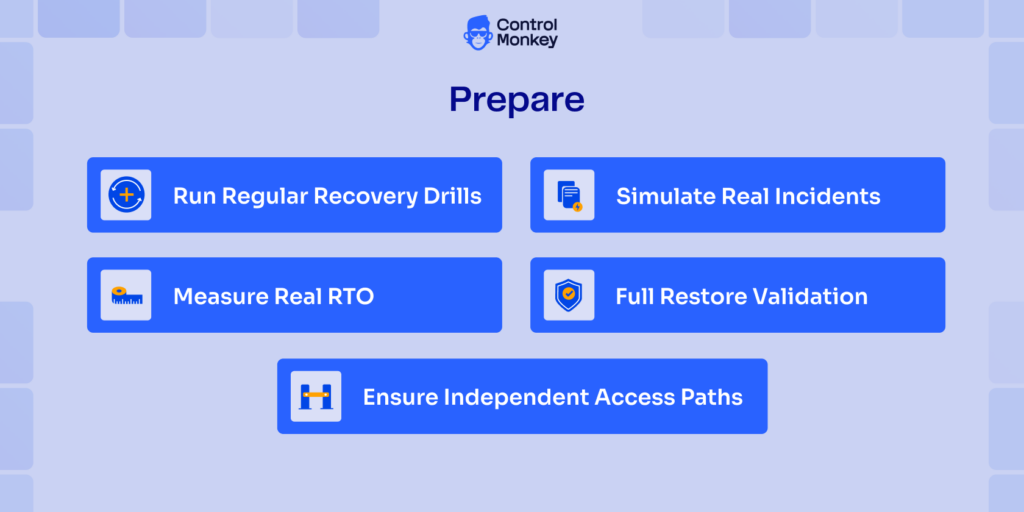
Prepare: Test What Will Actually Break
Backups don’t fail during backup. They fail during recovery.
And identity failures are rarely clean-they show up as partial outages, broken access, or silent issues that surface later. Preparation is what makes recovery real. Preparation also means knowing where you’re exposed before an incident happens.
Most teams don’t have visibility into which parts of their identity configuration are actually recoverable and which are not.
Without that, testing is guesswork.
Best Practices for Testing your IDP Backup and Recovery:
- Run Regular Recovery Drills
- Do DR drills at least quarterly.
- Treat identity as a critical system.
- Simulate Real Incidents
Deleted groups, broken policies, misconfigurations-not just full outages. - Full Restore Validation
Validate that restored environments behave correctly-not just that data exists. - Measure Real RTO
Track how long recovery actually takes. Identity recovery is often slower than expected. - Ensure Independent Access Paths
Break-glass access must work when identity itself is impaired.
Because when identity breaks, you don’t get a second attempt.
Controlmonkey From Backup to Recoverable Identity State
Most disaster recovery strategies focus on data. But in modern environments, configuration is just as critical.
Identity is configuration. Users, permissions, policies, and integrations are constantly changing-often outside controlled workflows.
That’s why, during an incident, teams discover the same thing:

They don’t know what actually existed. They can’t reliably reconstruct the identity state. And recovery depends on manual effort under pressure.
ControlMonkey extends disaster recovery into identity by treating configuration as a recoverable system.
Instead of exporting data, it:
- Continuously captures identity configuration
- Stores it as versioned, deployable state
- Enables recovery of full systems or individual components
- Handles dependencies and ordering automatically
The result is simple: Recovery becomes predictable.Not improvised.
Let’s rethink your disaster recovery strategy – Get today free DR risk assessment

A 30-min meeting will save your team 1000s of hours
A 30-min meeting will save your team 1000s of hours
Author