At 7:03 p.m., Maya, the on-call platform engineer, got the alert nobody wants to see.
Production is down.
AWS looked healthy. MongoDB Atlas showed no database issue. The load balancer was responding. There had been no recent application deployment. Datadog was noisy, but nothing pointed to a clear root cause.
Still, customers could not log in.
Within minutes, the incident bridge filled up. The VP of Engineering wanted answers. Support was already hearing from enterprise customers. Security asked if this was an attack.
The application was alive.
But the business was unavailable.
That is the uncomfortable reality of modern application resilience: sometimes the failure is not in your servers, databases, or code. It is in the configuration layer that controls how users reach the application.
For many companies, that layer is Cloudflare. And when Cloudflare configuration changes unexpectedly, the first question is not “how do we fail over?”It is: What changed?
Why Cloudflare Matters
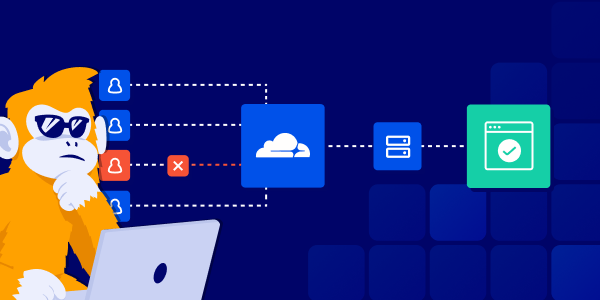
Cloudflare sits between users and the application. Companies use it to make applications faster, safer, and more resilient. It handles DNS, CDN caching, DDoS protection, WAF rules, bot protection, redirects, TLS certificates, access policies, and traffic routing.
In simple terms: Cloudflare is often the front door of the business.
Every customer request may pass through it before reaching AWS, Kubernetes, databases, APIs, or internal services. That makes Cloudflare extremely valuable, but also extremely sensitive. A small configuration change at the edge can have a much larger impact than teams expect.
Back on the bridge, Maya suddenly remembers that someone mentioned a Cloudflare change earlier that day. She just cannot remember what changed, who changed it, or whether it was supposed to affect production.
Cloudflare misconfiguration can create outsized business impact. A small change at the edge can remove a DNS record, block legitimate users with an aggressive WAF rule, change cache behaviour, send traffic to the wrong place, weaken a security policy, or allow a malicious actor to redirect traffic after gaining access to the account.
And now there is another possibility.
Last week, the company started testing a new AI infrastructure agent. Its first task was simple: review and clean up old DNS records in Cloudflare. No one thought of it as a production risk. It was supposed to reduce noise, remove stale entries, and make the environment easier to manage.
Maya finally says it out loud: “The AI agent was reviewing DNS records last week.”
The bridge goes quiet.
Daniel, the VP of Engineering, stops looking at the AWS dashboard and asks the question they should have asked earlier:
“Who has the latest Cloudflare configuration?”
Nobody answers immediately. That silence is the real problem.
The Known-Good State Gap
Cloudflare configuration can change in many ways.
Some teams use Terraform. Some use the Cloudflare dashboard. Some rely on API scripts, and now, some teams are experimenting with AI agents that can inspect or modify production configuration.
But during an incident, the question is whether the team has a trusted known-good state to go back to.
That is the real gap.
Cloudflare may be the front door of the business, but many teams do not have a reliable recovery point for its configuration. DNS records, WAF rules, redirects, cache settings, access policies, certificates, and routing rules may have been changed over months or years by different people, teams, tools, and automations.
When something breaks, the team is forced to reconstruct the truth from dashboards, audit logs, Slack messages, tickets, screenshots, Terraform state, API exports, and memory.
Even companies with mature IaC practices often have Cloudflare resources that were created or changed outside their standard workflow. And companies that are not using IaC still have the same recovery problem.
They need to know:
What did the Cloudflare configuration look like when production was working? And during an incident, partial truth is not enough.
What Cloudflare Configuration DR Should Cover
A practical DR approach for Cloudflare configuration starts with four basic capabilities.
Discovery
The team needs to know what actually exists in Cloudflare: zones, DNS records, WAF rules, redirects, cache settings, access policies, certificates, load balancers, Workers, and other edge resources.
How teams usually do it: they browse the Cloudflare dashboard, ask different teams what they own, check old tickets, look at Terraform if it exists, or run ad hoc API scripts.
Config backup
The team needs a reliable copy of the current Cloudflare configuration, especially for resources that were created manually and never added to Terraform.
How teams usually do it: they rely on Terraform state, manual exports, API dumps, screenshots, documentation pages, or tribal knowledge from the people who originally configured it.
Change visibility
During an incident, the critical question is: what changed? The team needs to see which DNS record, WAF rule, redirect, cache policy, or access setting was modified, and when.
How teams usually do it: they look through Cloudflare audit logs, Terraform pull requests, Slack messages, Jira tickets, deployment notes, SIEM logs, and whatever the on-call engineer remembers.
Known-good recovery
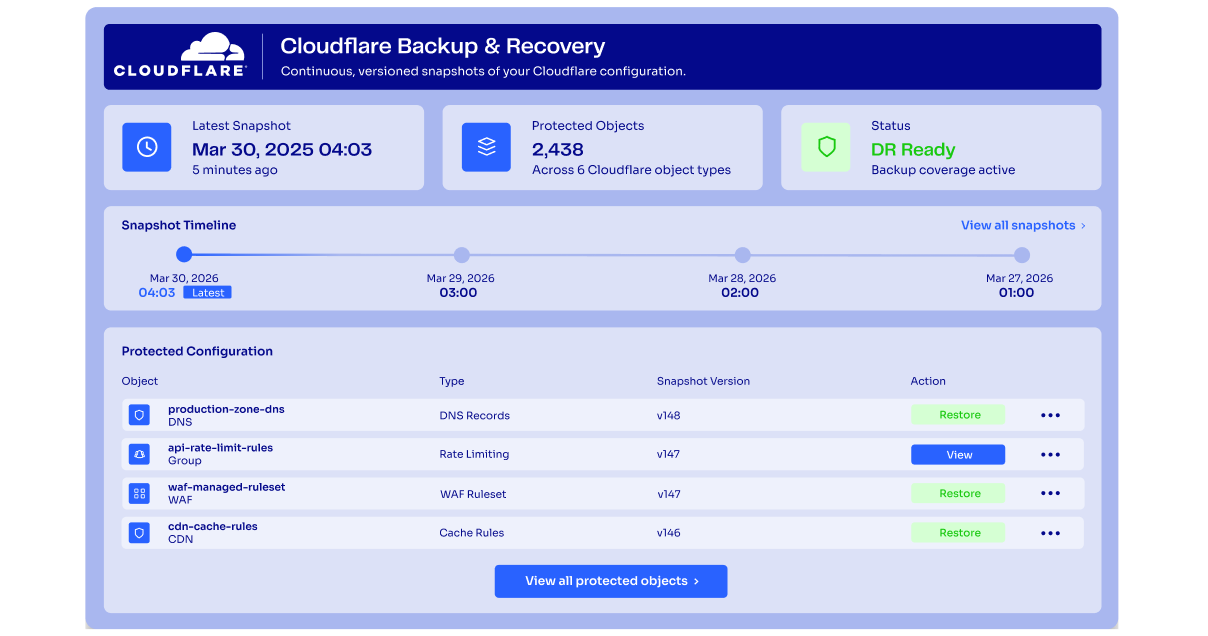
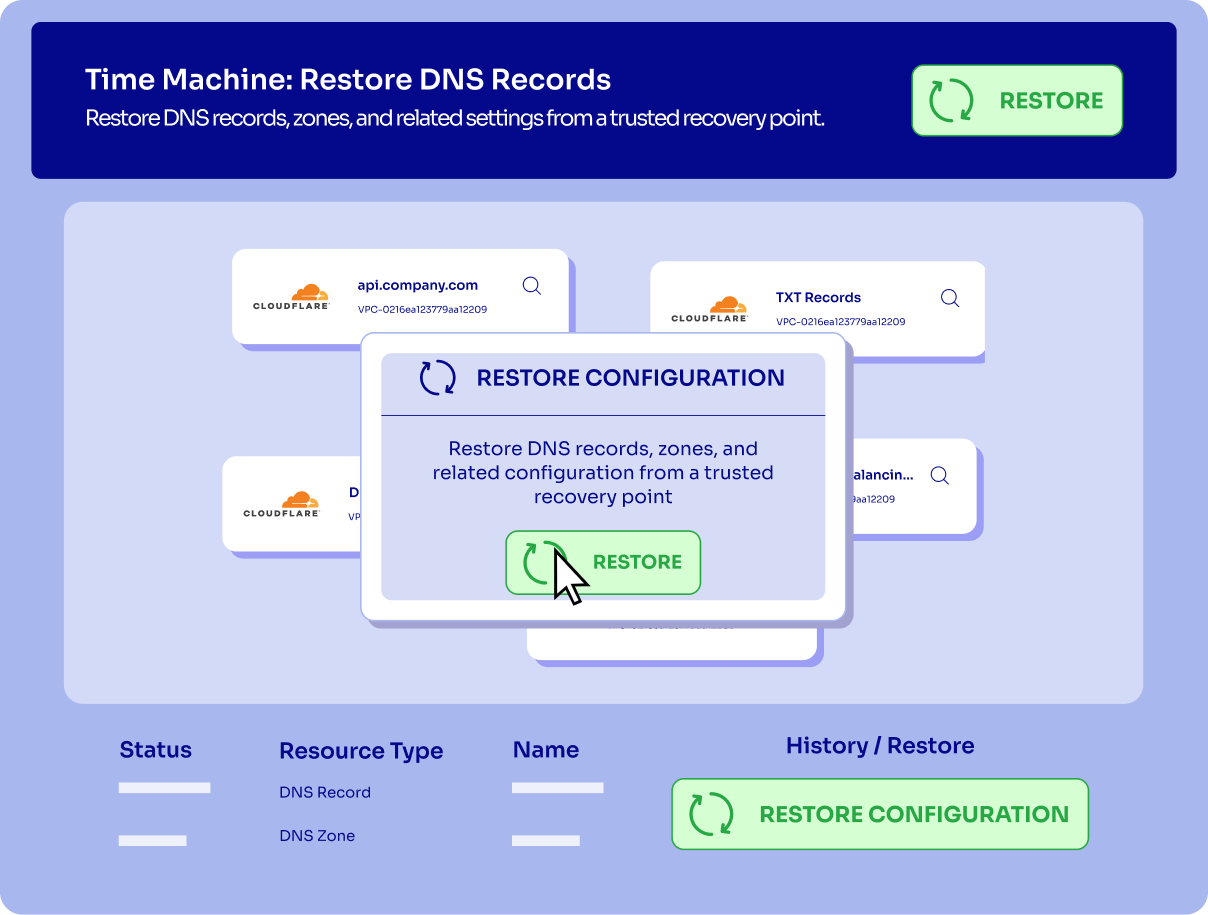
The team needs a trusted version of the Cloudflare configuration from a point in time when production was working. Cloudflare provides useful native capabilities, such as DNS export, audit logs, and, for some Enterprise use cases, Zone Versioning. But those capabilities are not always complete, independent, or connected to the full application recovery process.
During an incident, the team does not just need proof that something changed. They need to know what the working configuration looked like, which part changed, what application path it affected, and how to safely restore it.
None of these practices are wrong.
Most teams use some combination of them. The problem is that they are fragmented, manual, and incomplete. During a real outage, that makes recovery depend on memory, access, and luck instead of a clear configuration recovery process.
The goal is not to prevent every mistake. That is unrealistic.
The goal is to make sure that when a mistake, malicious change, or AI-generated error happens, the team can answer quickly: What changed, what did it break, and how do we restore it?
Enter ControlMonkey
The fix is not another incident checklist. The fix is making Cloudflare configuration visible, backed up, and recoverable before the outage starts. This is where ControlMonkey changes the operating model.

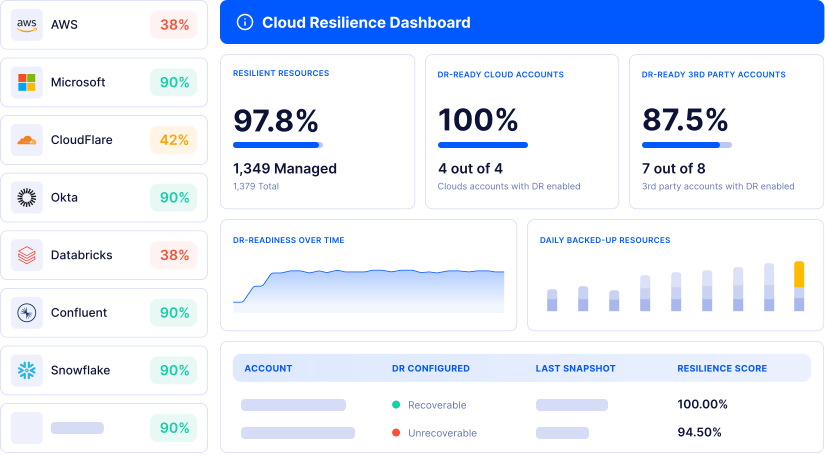
Instead of treating Cloudflare configuration as something teams inspect only during an incident, ControlMonkey helps turn it into a managed, recoverable part of the application stack. It discovers what exists, including resources that were created manually.
Back on the incident bridge, the story could have ended differently.
When Maya remembered the AI agent had been working on DNS records, Daniel would not need to ask, “Who has the latest Cloudflare configuration?”
The team would open ControlMonkey and see the drift immediately. A DNS record that existed yesterday is missing today. The change came from an API-driven update, not a Terraform pull request. The affected domain is tied to the production application.
Now the conversation changes.
Instead of guessing, the team is confirming. Instead of searching through Slack, screenshots, tickets, and dashboard pages, they are looking at the difference between live configuration and the last known-good state.
From there, recovery becomes a controlled action: restore the missing configuration, reconcile it back , and tighten the workflow so future DNS changes go through review instead of unmanaged automation.
The outage still matters. Customers were still impacted. But the team is no longer recovering from memory.
They are recovering from evidence.
The Complete Application Picture
Cloudflare is only one part of the story.
A real application is not made of one cloud account. It is a chain of systems that all need to be configured correctly for the customer experience to work.
A typical production application might depend on Cloudflare for DNS, WAF, CDN, redirects, certificates, access policies, and traffic routing; AWS for compute, networking, IAM, storage, Kubernetes, databases, and load balancing; Datadog for monitors, dashboards, alerts, SLOs, and incident visibility; and MongoDB Atlas for database clusters, backups, network access, users, and security settings.
If any one of these layers drifts, the application can become unreachable, insecure, unobservable, or degraded.
That is why configuration DR has to cover the full application picture. Restoring AWS is not enough if Cloudflare still points users to the wrong place. Restoring the database is not enough if MongoDB Atlas network access is misconfigured. Fixing the application is not enough if Datadog alerts were changed and the team cannot see the next failure coming.
With ControlMonkey, teams can approach configuration recovery across the full stack: discover infrastructure and SaaS configuration, identify unmanaged resources, reverse-engineer to Terraform with a proprietary deterministic AI algorithm, detect drift, understand configuration changes, and recover faster from accidental, malicious, or AI-generated changes.
The goal is not just Cloudflare DR.
The goal is application configuration DR: a recoverable, governed,with a snapshot of the systems that make the application reachable, secure, observable, and operational.