AI Agent Rollback
Recover cloud and SaaS configuration after unintended AI agent changes – without rebuilding from scratch.










What Can Go Wrong with Overprivileged AI Agents?
AI agents with broad permissions can make unintended changes across cloud environments at machine speed, turning small mistakes into production incidents.

No Simple Undo
Reverting code or prompts doesn’t automatically restore deleted resources or damaged cloud configurations.

Unintended Actions
An AI agent can modify or delete production resources beyond the scope of its original task.

High-Speed Blast Radius
AI Agents can execute multiple changes across cloud systems before anyone notices.


AI Agent Rollback Across Cloud and SaaS Environments
Guardrails reduce risk. But once an AI agent makes the wrong change, your team still needs a way to understand what changed and restore the affected configuration.
Book intro meeting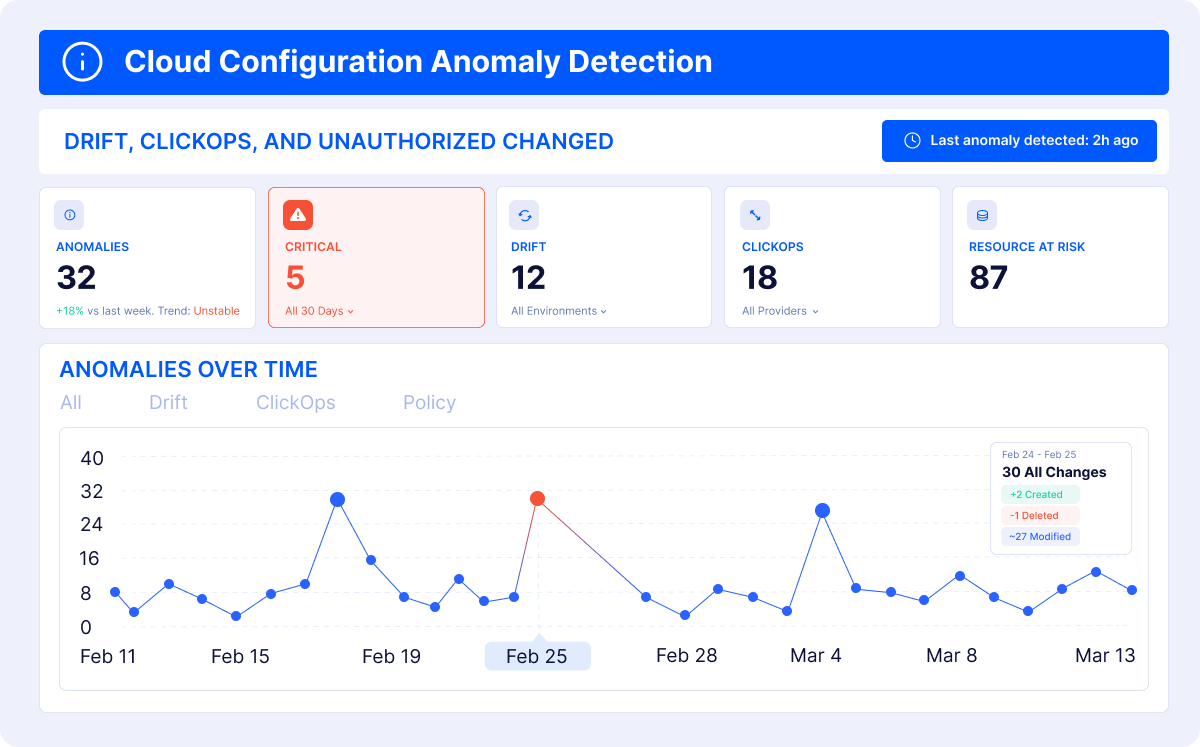
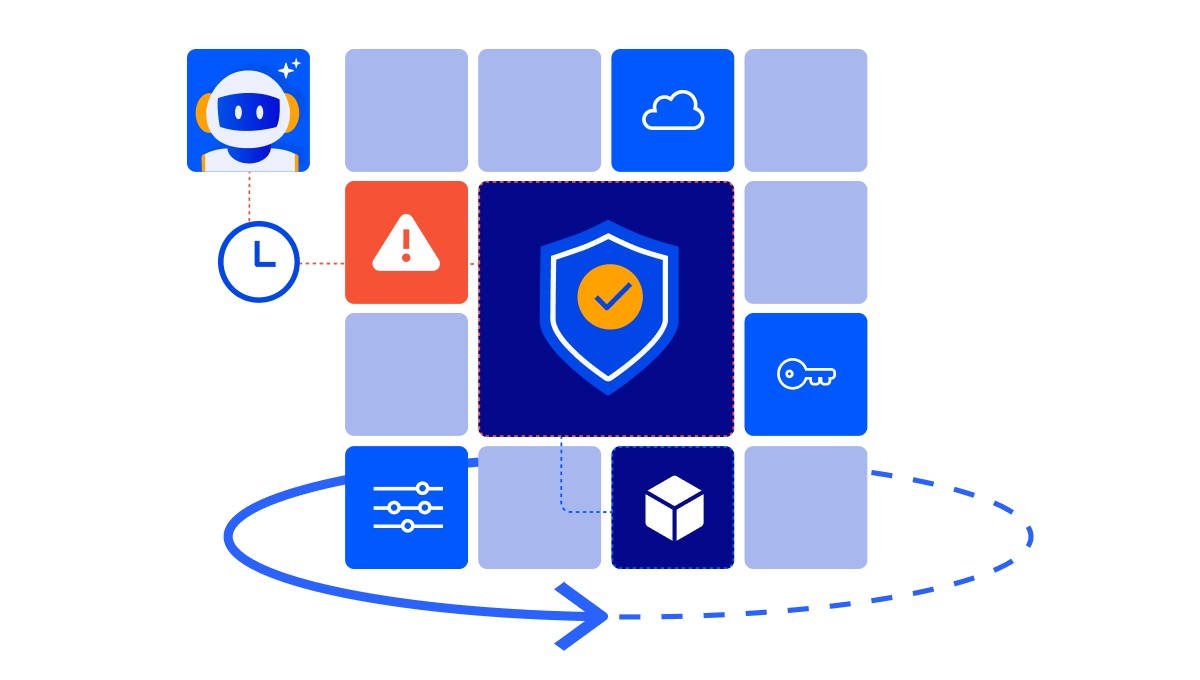
Review recent configuration changes across protected environments after AI agent activity and identify which resources or configurations may need recovery.

Restore affected cloud or SaaS configuration from a previous versioned snapshot after an unintended or damaging change.
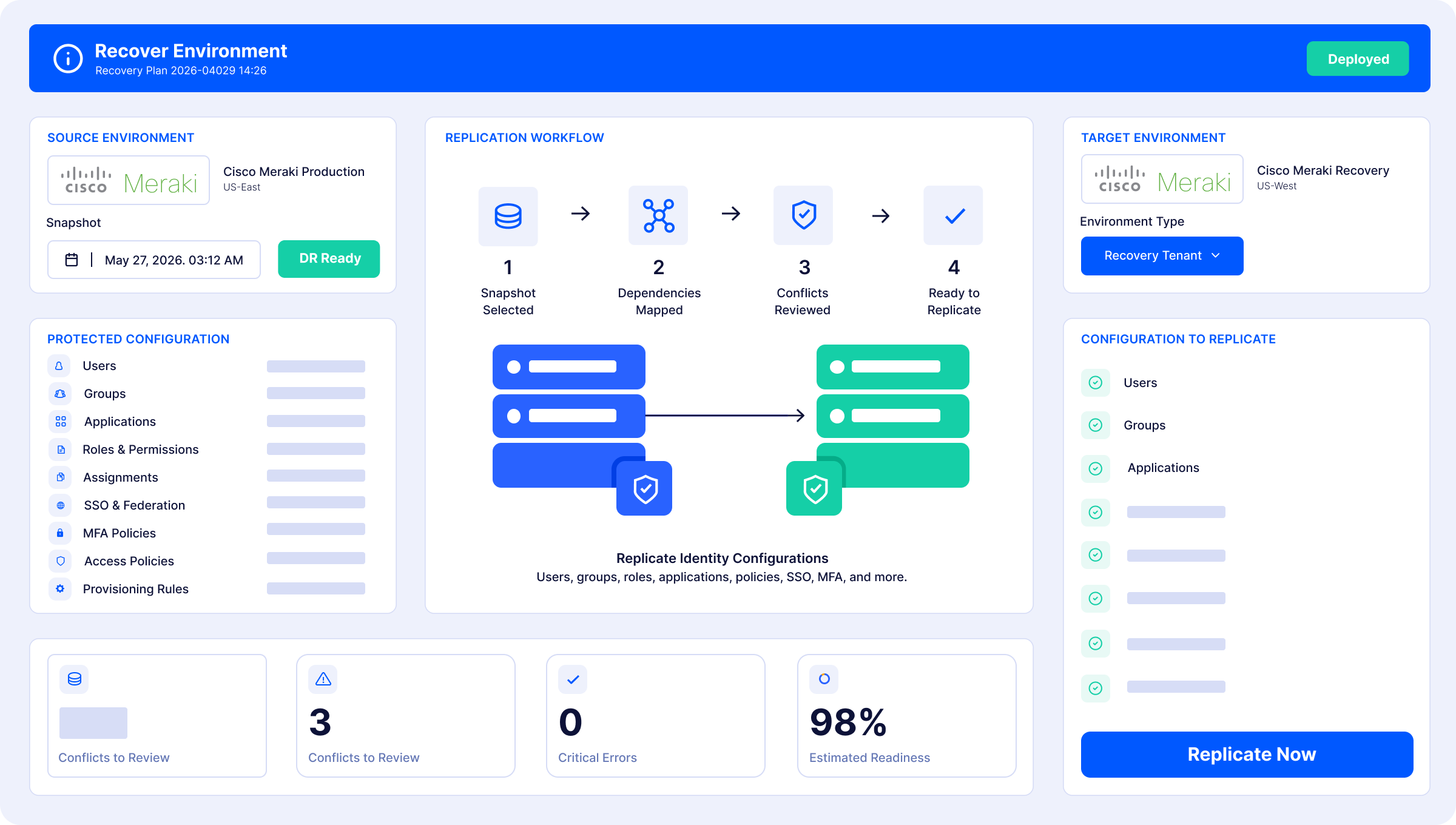
Restore an individual resource when the impact is isolated, or recover a broader environment when more has been affected
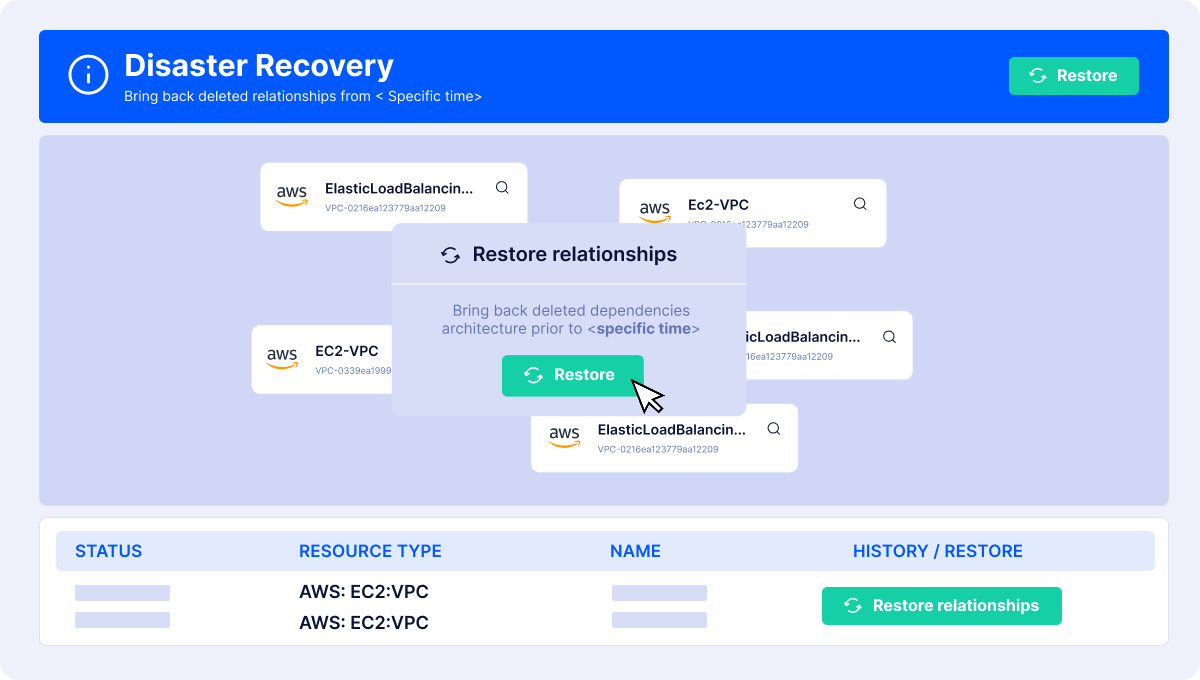
Handle recovery dependencies to reduce manual work and human error during recovery.

Assess recovery coverage across your cloud and SaaS environments, identify missing protection or restore points, and surface gaps before an AI-driven change becomes an incident.
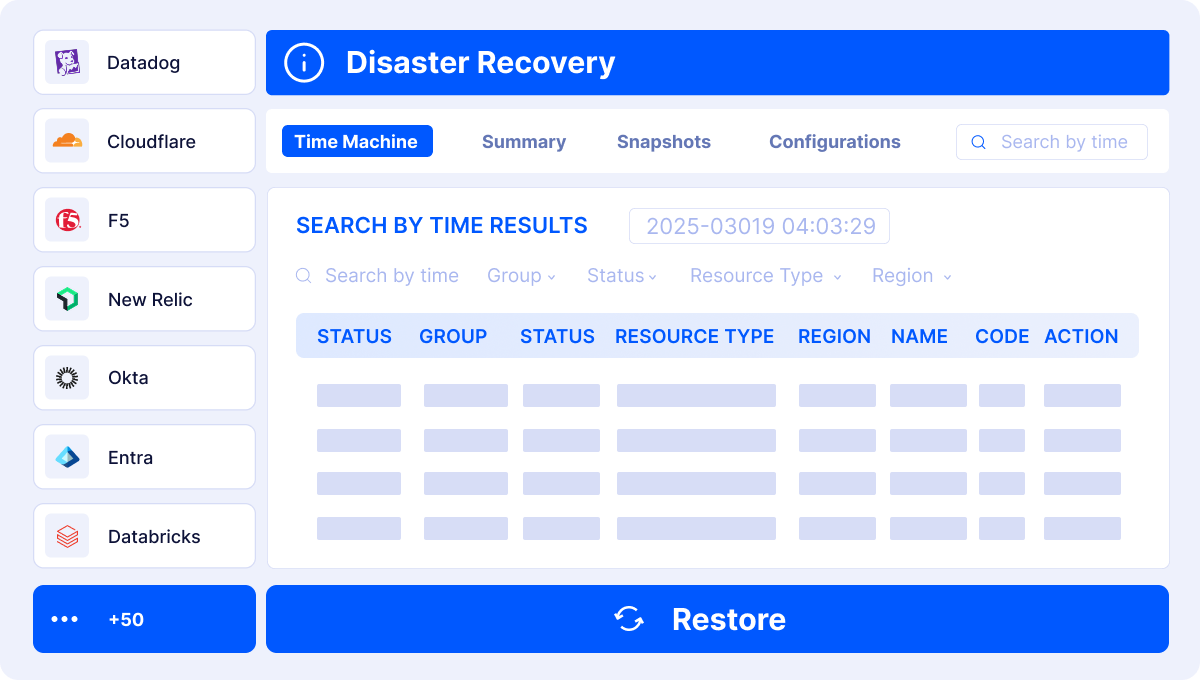
Continuously capture versioned configuration across cloud infrastructure, identity, networking, observability, SaaS, and other supported systems.
Full Configuration Coverage Across Your Cloud
Capture and recover the configuration your cloud actually depends on, across infrastructure, identity, and SaaS

Cloud Configuration
Core cloud services and configuration management
PROTECTED ELEMENTS

Network
Connected cloud resources communicating securely
PROTECTED ELEMENTS

IDP
Authenticates identities and issues login credentials
PROTECTED ELEMENTS

APM
Monitors and optimizes application performance
PROTECTED ELEMENTS

Version Control Systems
Protects repositories, branches, and code workflows
PROTECTED ELEMENTS

Other
PROTECTED ELEMENTS

DB & Analytics
Protects dashboards across additional connected platforms.
PROTECTED ELEMENTS

Security tools
Security platform configurations and access policies
PROTECTED ELEMENTS


What AI Agent Rollback Brings to Your Team?

Reduce Configuration Recovery Time

Recover Across Your Cloud and SaaS Stack

Know Your Recovery Readiness
Book Intro Meeting
Trusted by


AI Agent Rollback: Frequently Asked Questions
ControlMonkey helps teams analyze configuration changes, select a previous known-good snapshot, and restore affected cloud or SaaS configurations. Teams can recover individual resources or broader environments.
Reverting code or prompts doesn’t automatically undo changes already made to live systems. Deleted resources, modified IAM policies, or changed DNS settings may require separate configuration recovery.
Not always. ControlMonkey helps teams investigate configuration changes, but it doesn’t discover or manage AI agents individually. Attribution depends on the actor information available from the underlying systems.
Recovery time depends on the affected resources and environment complexity. ControlMonkey reduces manual reconstruction by restoring supported configurations from known-good recovery points.
No. Permissions and approval controls help prevent unsafe actions, while data backup protects application data. ControlMonkey complements these measures by making supported cloud and SaaS configurations recoverable after unintended changes.