
ControlMonkey now extends its existing ClickOps and Cloud Events visibility to Cloudflare, giving teams a clear view of changes made directly through the Cloudflare console.
This expands the same ClickOps visibility already available across AWS, Azure, and GCP to Cloudflare environments, helping teams identify direct console activity that may otherwise sit outside normal Infrastructure as Code workflows.
With this update, teams can:
- See who performed direct Cloudflare console operations
- View the event and affected resource
- Drill into full event details
- Separate console operations from non-console activity
- Review activity by user, resource, or across all Cloud Events
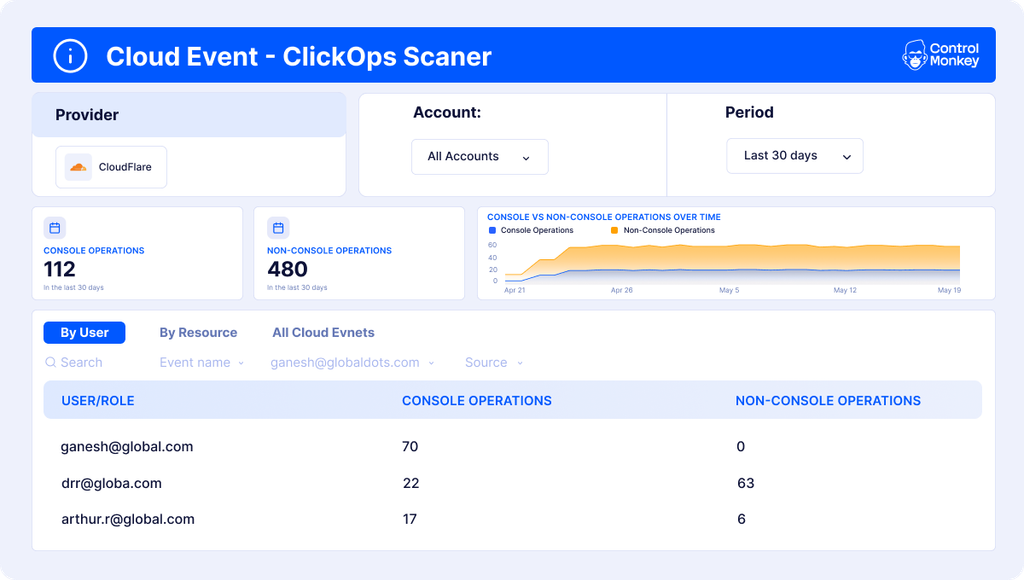
This makes it easier to investigate unexpected changes and understand whether they came from a direct console action or another workflow.
How Does Cloudflare ClickOps Visibility Work?
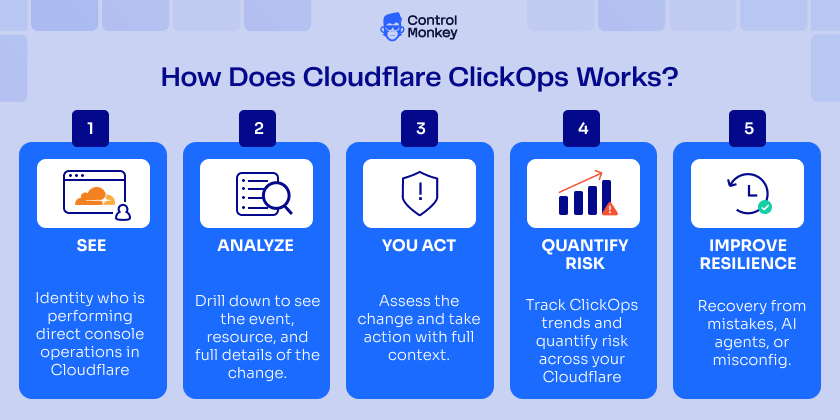
ControlMonkey monitors Cloudflare activity and surfaces direct console operations inside Cloud Events. Teams can review activity by user, resource, or event, see who made each change, and inspect the underlying event details. This makes it easier to spot manual changes that happen outside normal Infrastructure as Code workflows.
Why Cloudflare Clic kOps Visibility Matters
A direct console change can create a resilience risk because it may happen outside Infrastructure as Code, may not be reproducible, and can be difficult to reverse.
That matters when a change comes from human error, unauthorized manual activity, or an over-permissioned AI agent.
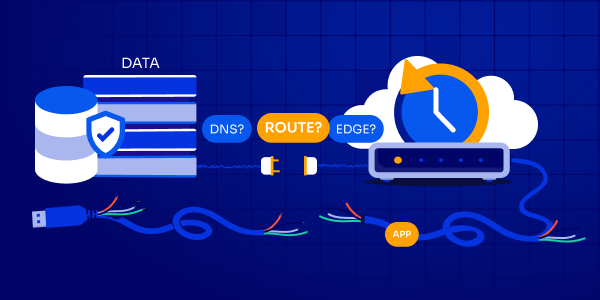
ControlMonkey helps teams first understand who changed what and where, then connect that visibility with existing Cloudflare backup and recovery capabilities.
If a change causes an issue, teams have the context to investigate it and the recovery path to return supported configurations to a known-good state.
The goal is simple: detect the change, understand what happened, and recover when needed.
🚀 Explore ControlMonkey’s Cloudflare capabilities today.