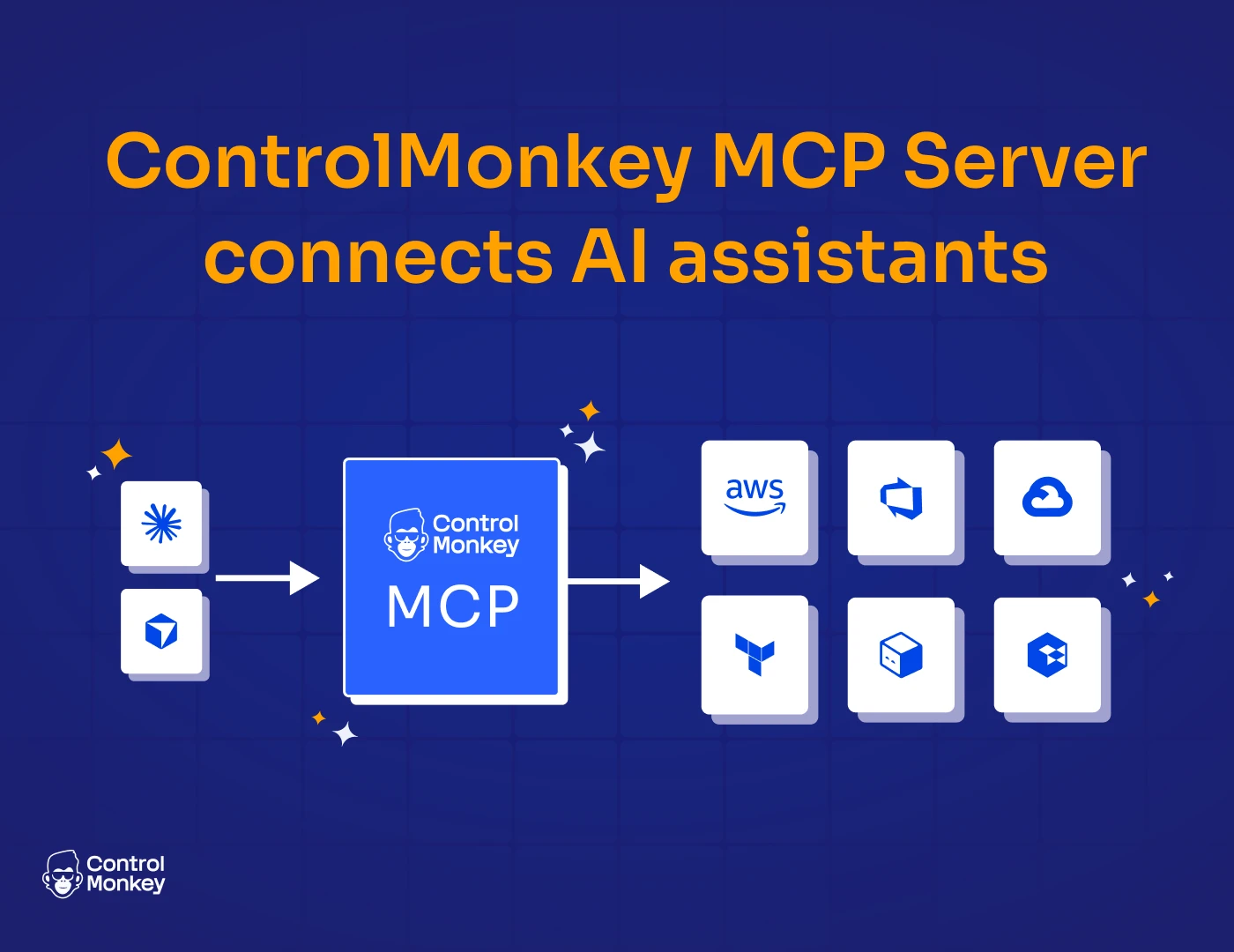
The new ControlMonkey MCP Server connects AI assistants like Cursor, Claude Code, and Windsurf directly to your ControlMonkey platform – so you can operate Terraform automation using natural language, without sacrificing governance and audit
AI is changing how teams write code. Now it’s changing how they operate infrastructure at scale. But infrastructure isn’t just code. It’s your production uptime. It’s the risk you report to your board about . It’s your compliance.
Introducing the ControlMonkey MCP Server
The MCP Server connects your AI assistant directly to the ControlMonkey API.
Once connected, your AI assistant can operate across your ControlMonkey platform:
- Namespaces & Stacks – Create, update, query, and delete namespaces and Terraform stacks
- Plans & Deployments – Trigger Terraform plans and deployments, review states, approve or cancel runs
- Templates – Manage ephemeral and persistent templates, create stacks from templates
- Variables – Create and manage Terraform input variables across scopes
- Control Policies – Create policies and policy groups, map them to governance targets
- Notifications – Configure Slack, Teams, and email notification endpoints and subscriptions
- Disaster Recovery – Set up and manage DR and daily backups configurations
How does the MCP Server works?
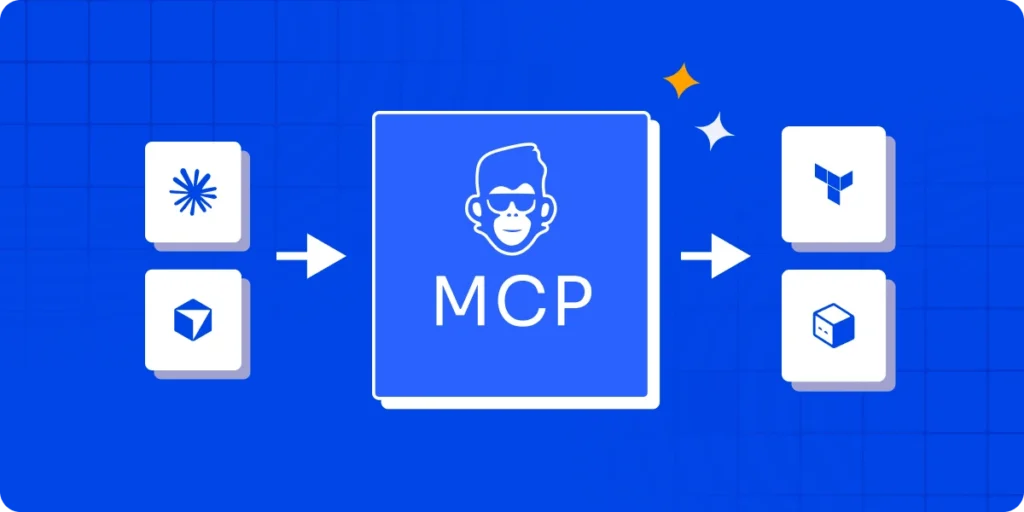
The ControlMonkey MCP Server connects your AI assistant to the ControlMonkey API.
- Your AI assistant (Cursor or Claude Code) sends a request through MCP.
- The MCP server forwards that request to the ControlMonkey API using your API token.
- ControlMonkey validates permissions based on the token’s role.
- If authorized, the requested action is executed (plan, deployment, policy creation, query, etc.).
- The result is returned to the AI assistant.
- The action is logged in the audit trail.
5 Example AI Queries You Can Run Today
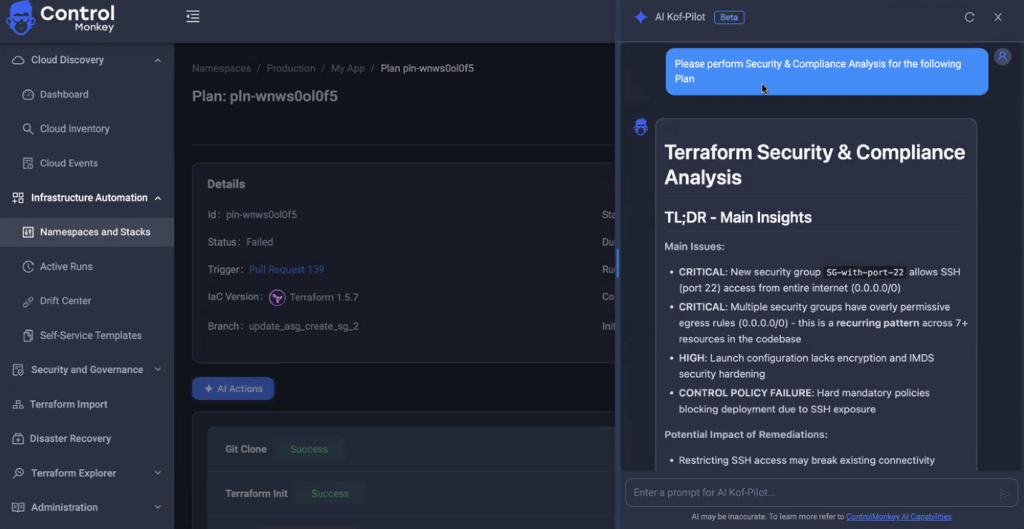
- The last deployment on stack “payments-service” failed – Show me the Terraform apply logs and explain what went wrong.
- List my AWS resources in my production account and show which are managed by Terraform and which are not.
- Create a control policy that requires “team” and “environment” tags and apply it to the production namespace.
- Are there any resources in production that are not managed by Terraform? Show potential drift.
- Run a Terraform plan on the “billing-service” stack and summarize the expected changes before approval.
- Many more..
Stay Ahead with Governed AI Cloud Operations
The ControlMonkey MCP Server lets them operate Terraform directly from tools like Cursor and Claude Code – without switching to the ControlMonkey UI.
At the same time:
- All actions run through the ControlMonkey API
- Permissions are enforced based on the API token
- Control policies are applied automatically
- Every action is logged in audit
- Terraform execution remains centralized
Your team gets AI-assisted operations inside their editor – while you keep governance, visibility, and control.
Learn how to scale cloud governance with AI and our MCP Server – without forcing teams into new workflows.
Connect with our team to get started.

Use AI With Caution – ControlMonkey integrates with third-party LLM providers but does not control the underlying models or their outputs. AI-generated suggestions – including code changes, remediation steps, and infrastructure modifications – should always be reviewed by a qualified team member before being applied to your environment.AI is changing how teams write code. Now it’s changing how they operate infrastructure at scale. But infrastructure isn’t just code. It’s your production uptime. It’s the risk you report to your board about . It’s your compliance.
Frequently Asked Questions on MCP Server
An MCP (Model Context Protocol) Server is a service that enables AI assistants to securely interact with external systems, APIs, and tools. Instead of allowing an AI model to access infrastructure directly, the MCP server acts as a controlled intermediary.
The ControlMonkey MCP Server connects AI assistants like Cursor and Claude Code to the ControlMonkey API. It allows AI tools to perform Terraform-related operations – such as querying stacks, triggering plans, managing policies, and retrieving logs – through the ControlMonkey control plane.
No. The AI does not communicate directly with AWS, Azure, or GCP. All requests are routed through the ControlMonkey API
Permissions are determined by the API token used to configure the MCP Server. If an action is not authorized, it will not execute.

A 30-min meeting will save your team 1000s of hours
A 30-min meeting will save your team 1000s of hours
Author